Can You Run Meta Ads Using Only a Phone? (Honest Answer + What Actually Works)

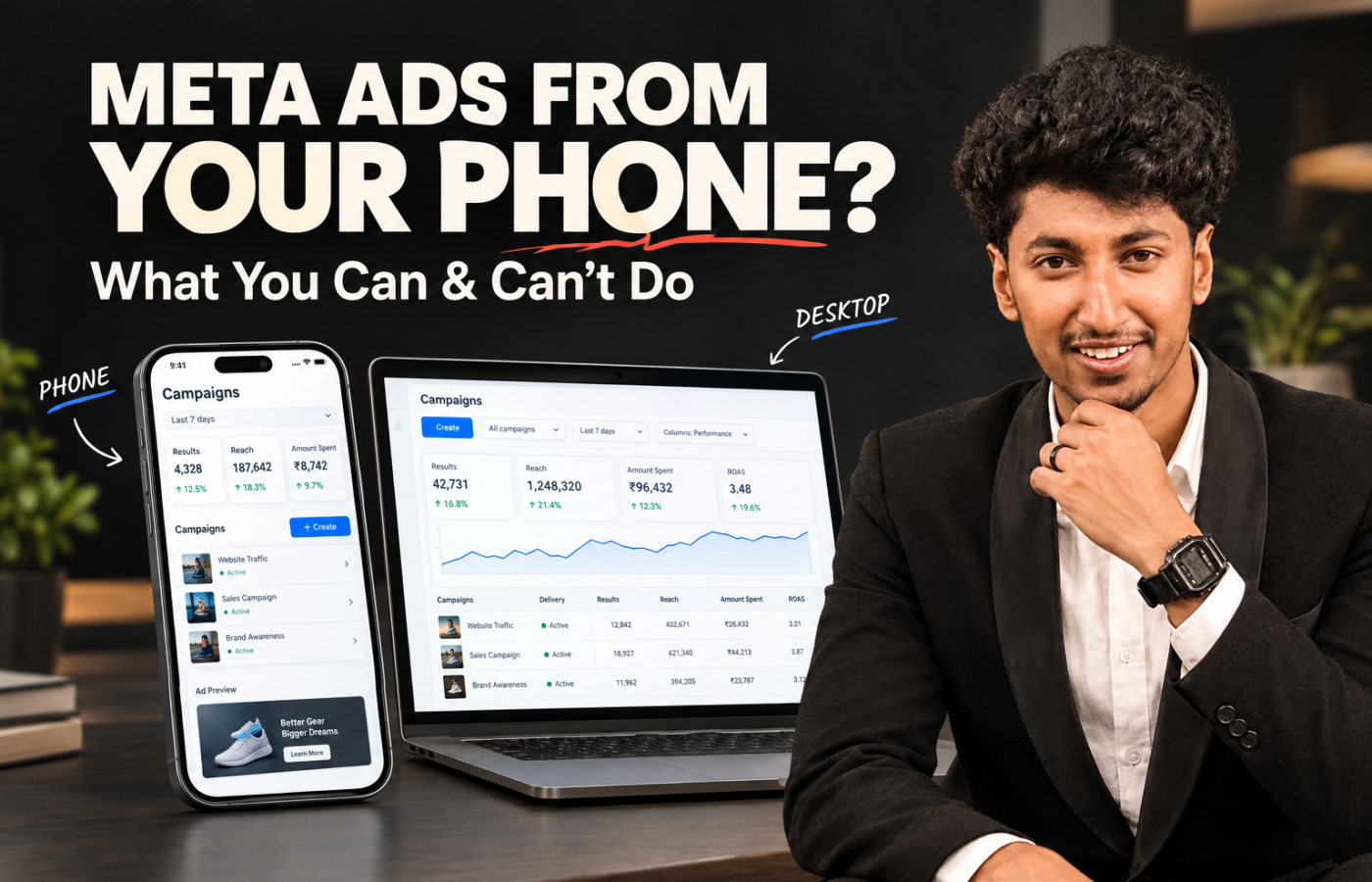
Yes, you can run Meta Ads entirely from a phone using the Meta Ads Manager app, but it only works well for simple, low-budget campaigns. For custom audiences, Pixel setup, or client accounts, desktop is still necessary. Here’s the honest breakdown based on actually managing ad accounts day to day.
What You Can Fully Do on Phone
The Meta Ads Manager app (not Business Suite — the dedicated Ads Manager app) lets you handle the core actions of running a campaign:
- Create a new campaign, ad set, and ad from scratch
- Set daily or lifetime budgets
- Choose basic targeting — location, age, gender, interests
- Select objectives (leads, traffic, engagement, messages)
- Duplicate a winning ad set and adjust the budget
- Pause, resume, or delete ads
- Check core metrics — spend, results, cost per result, reach
- Reply to leads and messages via the Meta Business Suite app
A small business running a simple lead-gen campaign at ₹300–500/day can get roughly 80% of the workflow done on the app alone.
Phone vs. Desktop: What Each One Handles
| Task | Phone App | Desktop |
|---|---|---|
| Launch a basic campaign | ✅ Yes | ✅ Yes |
| Set/adjust budgets | ✅ Yes | ✅ Yes |
| Pause/monitor ads | ✅ Yes | ✅ Yes |
| Custom audiences | ⚠️ Limited | ✅ Full |
| Lookalike audiences | ❌ No | ✅ Yes |
| Pixel / Conversions API setup | ❌ No | ✅ Yes |
| Business Manager settings | ❌ No | ✅ Yes |
| Multi-variant creative uploads | ⚠️ Limited | ✅ Full |
| Detailed reporting/breakdowns | ⚠️ Limited | ✅ Full |
| Account troubleshooting/appeals | ❌ No | ✅ Yes |
Where Phone-Only Breaks Down
Custom and lookalike audiences are desktop-only in practice. Building a Custom Audience from website visitors, uploading a customer list, or creating a Lookalike audience is technically possible on the app but clunky enough that most people give up and switch to desktop.
Pixel and Conversions API setup needs a browser. Installing the Meta Pixel, connecting Conversions API, or verifying events requires access to a website backend or Google Tag Manager — none of which works comfortably on mobile.
Business Manager settings live on desktop. Adding partners, assigning ad account access, domain verification, and Business verification for scaling all happen in Business Manager, where the mobile experience is incomplete.
Reporting is stripped down on mobile. Comparing performance across campaigns or pulling data for a client report is significantly harder on the app — the breakdown views are limited compared to desktop Ads Manager.
The Realistic Workflow: Phone for Maintenance, Desktop for Building
The honest split that works in practice:
- Desktop — Campaign setup from scratch, audience building, Pixel/CAPI configuration, creative uploads with proper specs, reporting
- Phone — Daily monitoring, pausing underperforming ads, replying to leads, quick budget adjustments, checking if a campaign is spending
It’s not phone versus desktop — it’s phone for day-to-day management, desktop for the initial build.
Who Should Try Phone-Only
- Testing a small budget (₹300–500/day) on one simple campaign
- Already has Pixel and audiences set up, just needs to run and monitor
- A solo business owner with no laptop, promoting one product
Who Shouldn’t Rely on Phone-Only
- Managing a client’s ad account
- Scaling beyond a single basic campaign
- Needs custom audiences, lookalikes, or Pixel/CAPI work
- Needs to produce reports or explain performance to a stakeholder
FAQ
Can I create a Meta Ads campaign entirely on my phone?
Yes. The Meta Ads Manager app lets you create campaigns, set budgets, choose basic targeting, and launch ads without a desktop.
Can I set up the Meta Pixel using only a phone?
No. Pixel installation and Conversions API setup require desktop-level access to a website backend or tag manager, and aren’t practical on mobile.
Is the Meta Ads Manager app enough for beginners?
For a small, single campaign — yes. For custom audiences, detailed reporting, or managing client accounts, desktop is still required.
Do professional media buyers run ads only from their phone?
No. Most use the phone app for daily monitoring and quick actions, but rely on desktop for campaign setup, audience building, and reporting.